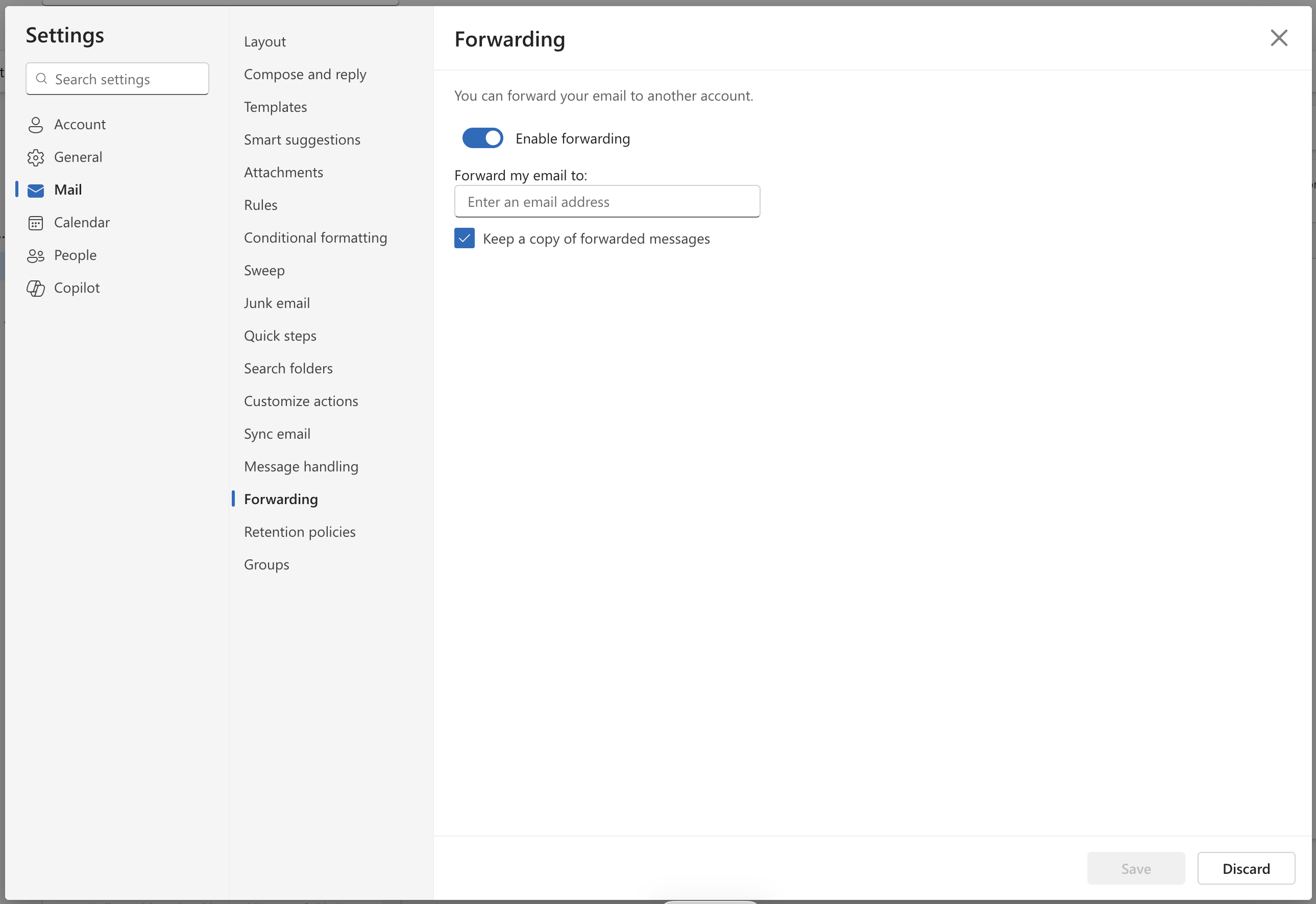
Open the web browser version of Outlook (you can open any version but the options are in different places) and select:
File > Settings > Email > Fowarding > Enable Forwarding
You can then choose who to forward to and if you need to keep a copy.
IT Services can also do this on the server, but if you do it yourself, you can choose when to turn it on or off.
Was this article helpful?
That’s Great!
Thank you for your feedback
Sorry! We couldn't be helpful
Thank you for your feedback
Feedback sent
We appreciate your effort and will try to fix the article